


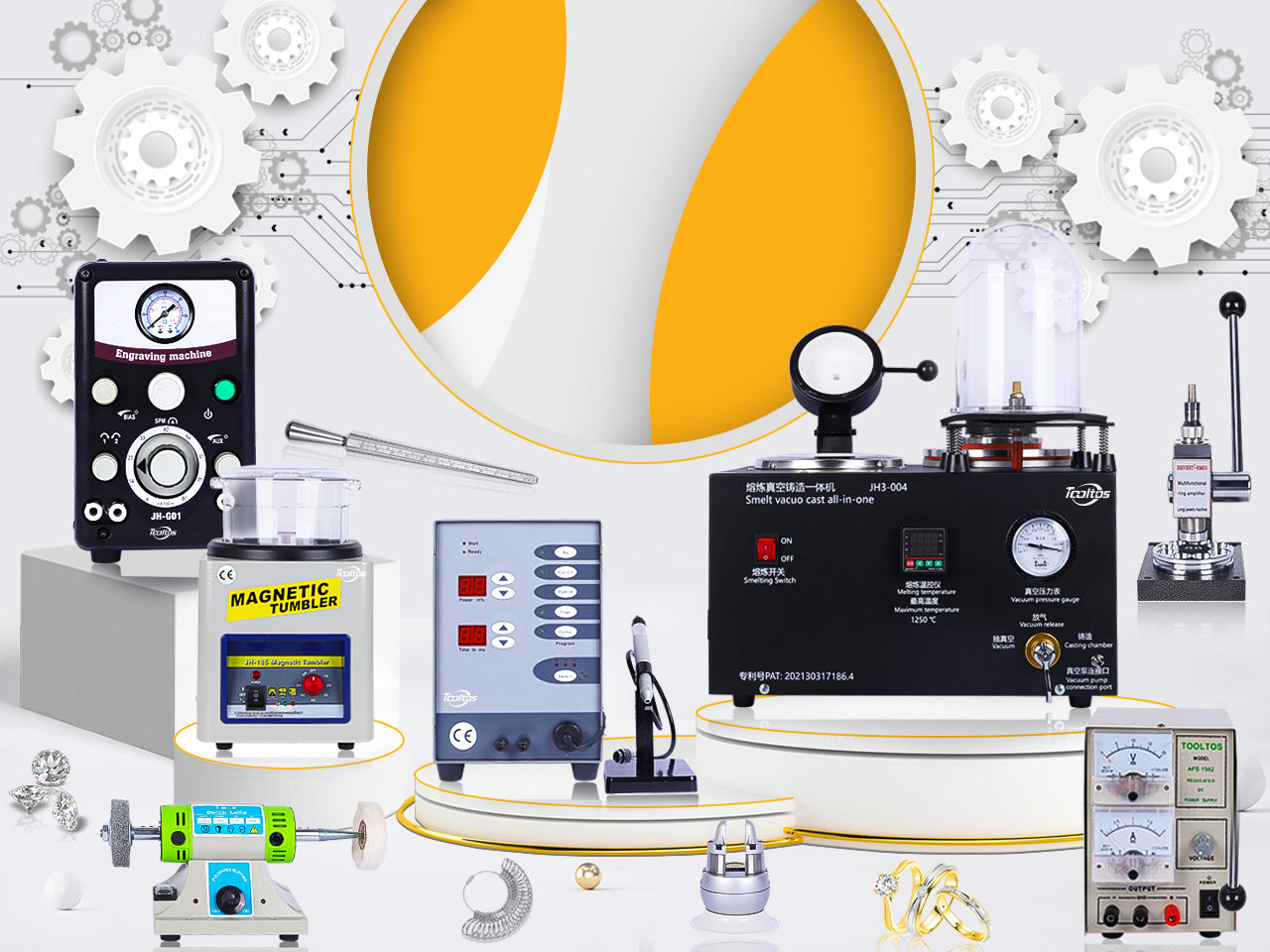
The Tooltos 8000RPM Double-Handle Jewelry Pneumatic Engraving Machine is designed for jewelers, stone setters, and metal artists who need controlled impact power for detailed engraving, texturing, and precision jewelry work.
Unlike traditional hand engraving, a pneumatic engraving system reduces manual pushing and gives the user better control through air pressure, stroke speed, and foot pedal operation. When properly set up, it can be used for engraving, stippling, shading, stone setting support, and fine metal detailing.
This guide covers the basic setup, tuning, operation, and maintenance steps for using the Tooltos 8000RPM Double-Handle Pneumatic Engraving Machine in a jewelry workshop.
1. Prepare the Right Air Supply
Before turning on the machine, make sure your air supply is clean, dry, and oil-free. An oil-free air compressor is recommended.
If you use an oil-type compressor, install an oil-removal filter in the air line before the machine. Oil or water contamination can affect performance and may damage internal parts.
The Tooltos pneumatic engraver requires stable compressed air at 0.15–0.25 MPa. Use a regulated air supply and keep the air system free from moisture, oil, and heavy contaminants.
2. Place the Machine on a Stable Workbench
Set the machine on a sturdy, level workbench with good lighting. A stable bench improves engraving control and reduces vibration during use.
Keep the foot pedal on the floor in a comfortable position. Make sure all hoses have enough space and are not pinched, twisted, or kinked.
Good lighting and a clean workspace are especially important for detailed engraving and stone setting work.
3. Connect the Air Filter, Foot Pedal, and Handpiece
Connect the air supply to the built-in filter, then to the machine. Make sure all hoses are fully inserted into the quick-connect fittings.
Connect the foot pedal hose to the throttle connection on the back of the machine. The foot pedal controls handpiece power by regulating airflow — variable speed from 400 to 8000 RPM.
The Tooltos machine comes with two handles. Connect both handpieces to their respective quick-connect fittings, then use the selector knob to choose which one to operate. Before use, check all connections and confirm there are no air leaks.
4. Tune the Machine Before Engraving
Proper tuning is the most important step for smooth operation.
Start with the stroke speed set to a mid-range position. Lower the air pressure to a light starting range (within the 0–4 kg/cm² adjustable range), then slowly increase pressure while holding the handpiece vertically near your ear. Do not press the foot pedal during this adjustment.
As pressure increases, the handpiece may begin to vibrate and then knock. Continue adjusting until the knocking just stops — this is the correct operating range for that handpiece.
A properly tuned handpiece should feel smooth, controlled, and predictable.
5. Use the Foot Pedal Correctly
The foot pedal works more like a car accelerator than an on/off switch.
Place the graver tip on the work surface before pressing the pedal. Start with gentle pressure, then increase foot pressure as more cutting power is needed.
Do not force the handpiece forward by hand. Let the pneumatic impact provide the cutting action while your hand guides the tool. For deeper cuts, press the pedal slightly more. As the cut ends, reduce foot pressure and guide the graver upward and out of the cut.
6. Adjust the Bias Control for Fine Work
The bias control changes how quickly the handpiece responds as you press the foot pedal.
For fine engraving, shading, or stippling, bias adjustment helps the handpiece respond more gently and predictably. After tuning, open the bias control slightly until the foot pedal requires less pressure to activate the handpiece. Avoid opening it too much unless you intentionally want the handpiece to activate continuously.
7. Keep the Handpiece and Air System Clean
Regular maintenance keeps the machine working smoothly.
If a handpiece becomes weak, sluggish, or inconsistent, clean the piston, spring, and inside of the handpiece using clean writing or copier paper. Do not use tissue, paper towel, or newsprint.
Do not lubricate the piston, spring, or bore. Oil inside the handpiece causes performance problems. Also drain moisture from the built-in air filter regularly. If moisture appears in the hoses or handpiece, stop and correct the air supply before continuing.
Quick Troubleshooting Tips
- Handpiece feels weak: Check air pressure (minimum 0.15 MPa), stroke speed setting, or air supply stability.
- Hard to control: Air pressure may be too high (maximum 0.25 MPa) or bias control opened too much.
- Erratic operation: Check for moisture, oil contamination, dirty handpiece parts, or loose hose connections.
Safety Notes
Always wear eye protection when engraving or using sharp gravers. Keep your hands away from cutting edges and secure the workpiece before starting. Use a proper workholding device whenever possible — a stable workpiece improves accuracy and reduces the risk of tool slipping.
Do not operate the machine if hoses, fittings, or the handpiece appear damaged.
FAQ
Q: Can I use any air compressor with this machine?
An oil-free compressor is recommended. If using an oil-type compressor, install an oil-removal filter before the machine. Required air pressure: 0.15–0.25 MPa.
Q: Why does the handpiece need tuning?
Each handpiece responds differently. Tuning air pressure and stroke speed helps the handpiece run smoothly and prevents unstable operation.
Q: Should I oil the handpiece?
No. Do not lubricate the piston, spring, or bore. Clean them with proper paper when needed.
Q: Is the foot pedal an on/off switch?
No. The foot pedal controls power gradually from 400 to 8000 RPM, similar to a car accelerator.
Q: What can this machine be used for?
Jewelry engraving, texturing, stippling, stone setting support, and detailed metal work. The dual-handle design lets you switch between two different handpiece setups without reconnecting.
—
Ready to upgrade your engraving setup? View the Tooltos 8000RPM Double-Handle Jewelry Pneumatic Engraving Machine at www.tooltos.com, or contact us at sales@tooltos.com for help choosing the right setup for your studio.
0 comments